🇵🇱 Handcrafted in Poland since 2014
9% off everything · code BLACKNOVEMBER
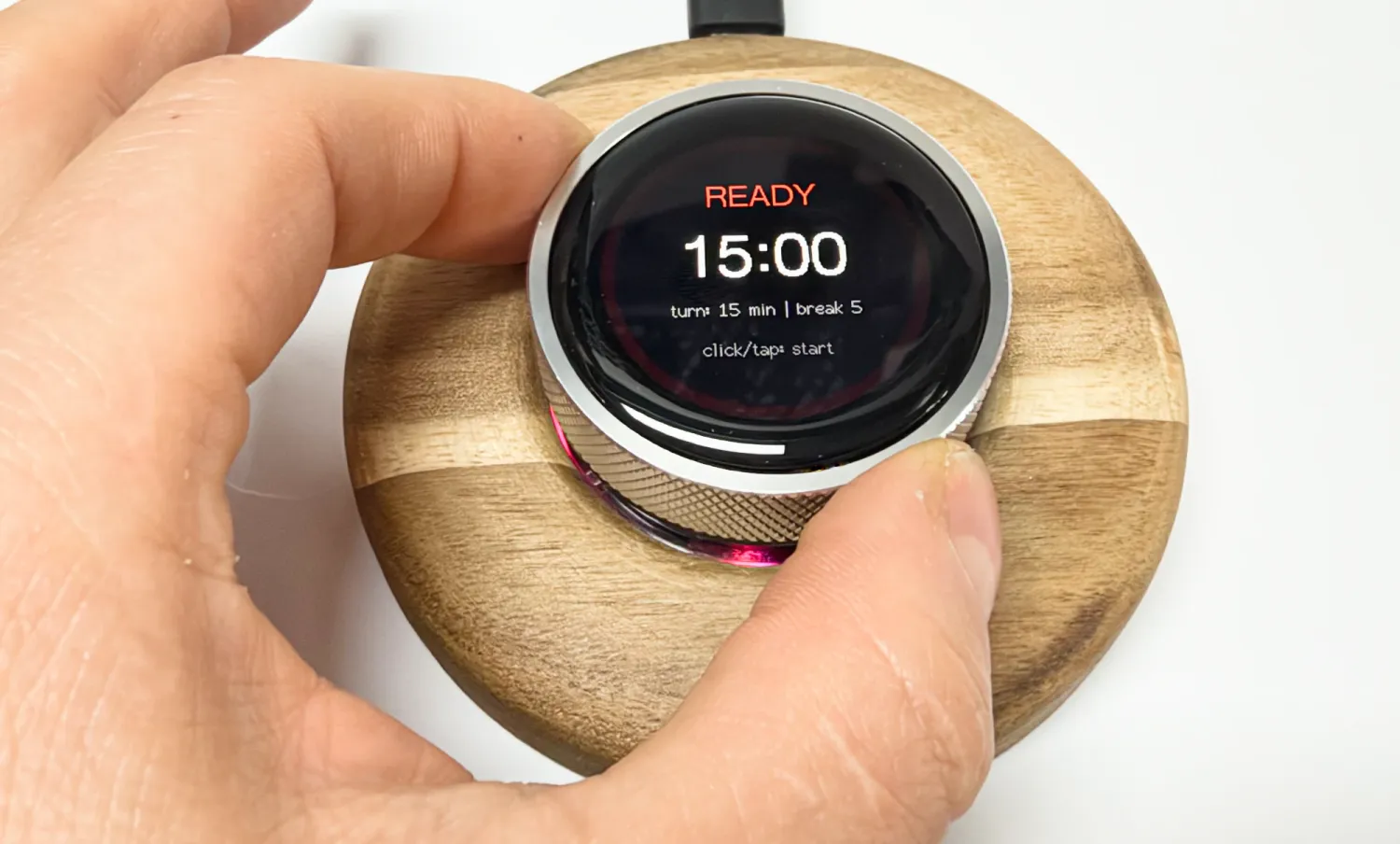
One knob. Every app. Dial FT is a programmable USB rotary controller with a rotating aluminium ring, a mechanical centre button and a glass-covered round touchscreen. Turn, click and touch to edit video in DaVinci Resolve, Premiere Pro or Final Cut Pro, retouch photos in Photoshop and Lightroom, design in Fusion 360, Blender and KiCad, control music and meetings, keep an eye on your AI coding agents, or stay focused with the built-in Pomodoro timer. The screen always shows what the knob controls right now, and it doubles as a touchpad whenever you need one. Designed and handmade in Poland.
▶ See Dial FT in action (19 s)
Wooden frames are made by hand in Poland.
The round touchscreen works as a touchpad with gestures: tap to click, double click, right click, drag and drop, and the knob scrolls. Hold your finger in the middle of the screen for a second in any app (DaVinci, Fusion, Spotify, the timer…) to jump straight to the trackpad, then hold the knob to go back to exactly where you were.
With the free helper app (macOS, Windows, Linux), Dial FT switches profiles automatically when you change apps: your editor, Photoshop or Spotify get their own profile, and browsers or documents switch to Smart Scroll. The helper also shows Spotify album art and track info on the screen, plays a sound on your computer when a Pomodoro or timer ends, and keeps the clock in sync. Everything else works without it.
Open the Dial FT web configurator, plug in the dial and set it up your way. Nothing to install. You can take a look before you buy, along with the user guide and firmware updates:
👉 falbatech.click/dial-ft
New features arrive as free firmware updates, installed from the browser in a minute: choose Settings → FW update on the dial and click Install update on the website. Your license, settings, home screens and custom profiles are kept.
🇵🇱 Handcrafted in Poland since 2014
9% off everything · code BLACKNOVEMBER